
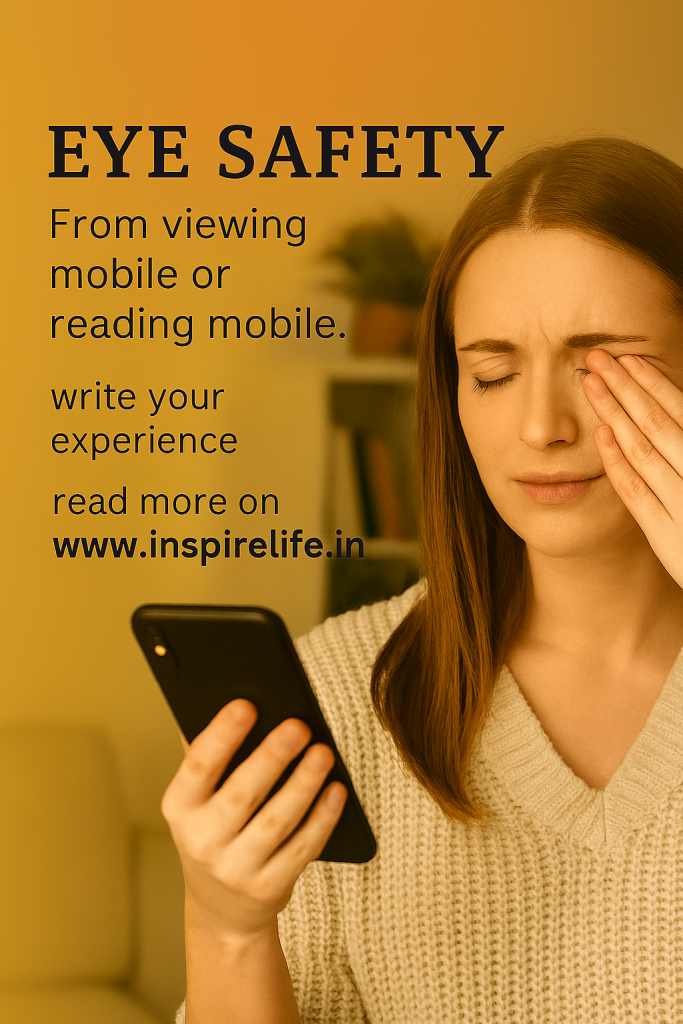
In our digital age, we spend an average of 4-6 hours daily on our mobile devices. While smartphones have become indispensable, they pose significant risks to our eye health. This comprehensive guide will help you protect your vision while staying connected.
Understanding Digital Eye Strain
Digital eye strain, also known as Computer Vision Syndrome, affects millions of smartphone users worldwide. Symptoms include:
- Dry, irritated eyes
- Blurred vision
- Headaches and migraines
- Neck and shoulder pain
- Difficulty focusing
- Increased light sensitivity
The primary culprit? Blue light emission and prolonged screen time without adequate breaks.
The Blue Light Challenge
Mobile screens emit high-energy visible (HEV) blue light, which penetrates deep into the eye and can potentially damage the retina over time. Studies suggest excessive blue light exposure may contribute to:
- Disrupted sleep patterns
- Increased risk of macular degeneration
- Digital eye fatigue
- Accelerated aging of the eyes
10 Essential Tips for Safe Mobile Use
1. Follow the 20-20-20 Rule
Every 20 minutes, look at something 20 feet away for at least 20 seconds. This simple exercise relaxes your eye muscles and reduces strain.
2. Adjust Screen Brightness
Keep your screen brightness at about 50% of maximum or match it to your surrounding environment. Overly bright screens in dim lighting cause excessive strain.
3. Maintain Proper Distance
Hold your phone 16-18 inches away from your eyes. Viewing distance closer than this forces your eyes to work harder.
4. Enable Blue Light Filters
Use built-in blue light filters or night mode settings, especially during evening hours. Most smartphones now include this feature natively.
5. Blink More Often
We blink 66% less when staring at screens. Make a conscious effort to blink regularly to keep eyes moist and comfortable.
6. Optimize Font Size
Avoid squinting by increasing font size to a comfortable reading level. Your eyes shouldn’t strain to read text.
7. Control Glare
Use anti-glare screen protectors and avoid using your phone in direct sunlight or under harsh lighting.
8. Take Regular Breaks
Limit continuous screen time to 2 hours. Take 10-15 minute breaks between sessions to give your eyes rest.
9. Keep Screens Clean
Fingerprints and smudges make your eyes work harder. Clean your screen regularly with appropriate cleaners.
10. Schedule Regular Eye Exams
Visit an eye care professional annually to monitor your vision health and detect issues early.
Best Mobile Brands with Built-In Eye Protection
Modern smartphone manufacturers are increasingly incorporating eye protection features directly into their devices. Here are the leading brands:
Samsung Galaxy Series (S & Z Series)
Eye Comfort Shield Technology
- Automatically adjusts blue light based on time of day
- Adaptive color temperature reduces eye strain
- Eye Comfort certification from SGS (international testing agency)
- Available on: Galaxy S24, S23, Z Fold5, Z Flip5
- Standout Feature: Intelligent adaptive display that learns your usage patterns
iPhone (iPhone 12 and newer)
True Tone & Night Shift
- True Tone technology adjusts white balance based on ambient lighting
- Night Shift reduces blue light during evening hours
- Super Retina XDR display with reduced flicker
- Available on: iPhone 16, 15, 14, 13, 12 series
- Standout Feature: Industry-leading color accuracy reduces eye strain
OnePlus (9 Series and newer)
Eye Comfort Mode & DC Dimming
- Reading Mode converts display to monochrome for text-heavy tasks
- DC Dimming eliminates screen flicker at low brightness
- Customizable blue light filter intensity
- Available on: OnePlus 12, 11, 10 Pro
- Standout Feature: Best-in-class DC dimming for flicker-free viewing
Google Pixel (6 Series and newer)
Adaptive Display & Bedtime Mode
- AI-powered brightness adaptation
- Screen attention feature prevents dimming while you’re looking
- Bedtime mode with gradual blue light reduction
- Available on: Pixel 9, 8, 7, 6 series
- Standout Feature: Smart features that understand your viewing behavior
Xiaomi/Redmi (Note & Pro Series)
Sunlight Display 3.0 & Reading Mode
- TÜV Rheinland Low Blue Light certification
- AI enhancement for outdoor visibility without brightness spike
- Automatic brightness adjustment for different lighting
- Available on: Xiaomi 14, 13, Redmi Note 13 Pro
- Standout Feature: Most affordable eye protection features in budget segment
OPPO/Realme
Eye Comfort Mode & Anti-Flicker
- Full DC dimming across brightness range
- Night Shield with customizable intensity
- TÜV Rheinland Eye Care Display certification
- Available on: OPPO Find X7, Reno 11, Realme GT 6
- Standout Feature: Hardware-level blue light reduction
ASUS ROG Phone Series
Flicker-Free Technology
- Professional-grade color accuracy (Delta E < 1)
- Built for extended gaming sessions with eye protection
- Customizable color temperature profiles
- Available on: ROG Phone 8, 7
- Standout Feature: Gaming-optimized with zero compromise on eye safety
Nothing Phone
Glyph Interface & Smart Display
- High-quality OLED with TÜV certification
- Reduced brightness levels for nighttime use
- Clean Android interface reduces visual clutter
- Available on: Nothing Phone (2), (2a)
- Standout Feature: Unique notification system reduces screen checks
Mobile Eye Protection Features Comparison
BrandBlue Light FilterDC DimmingCertificationAuto-AdjustBest ForSamsung✓✓✓✓✓SGS✓✓✓Premium usersiPhone✓✓✓✓✓None✓✓✓iOS ecosystemOnePlus✓✓✓✓✓✓TÜV✓✓Tech enthusiastsGoogle Pixel✓✓✓✓None✓✓✓AI featuresXiaomi✓✓✓✓TÜV✓✓Budget buyersOPPO✓✓✓✓✓✓TÜV✓✓Value seekersASUS ROG✓✓✓✓✓✓TÜV✓✓GamersNothing✓✓✓✓TÜV✓Minimalists
Rating Scale: ✓ = Basic, ✓✓ = Good, ✓✓✓ = Excellent
How to Activate Eye Protection on Your Phone
For Android Devices:
- Go to Settings > Display
- Look for options like “Eye Comfort,” “Reading Mode,” or “Blue Light Filter”
- Enable and schedule for sunset to sunrise
- Adjust intensity to your preference
For iPhone:
- Go to Settings > Display & Brightness
- Enable True Tone for adaptive white balance
- Go to Display & Brightness > Night Shift
- Set schedule or enable manually
- Adjust color temperature slider
Best Screen Protector Brands for Eye Protection
Even with built-in phone features, adding a quality screen protector provides an extra layer of defense:
Premium Choice: Ocushield
Why It Stands Out: Medically-rated blue light filter that blocks up to 90% of harmful blue light while maintaining color accuracy. Developed with optometrists and certified by independent labs.
Best For: Those serious about eye protection and willing to invest in premium quality.
Budget-Friendly: EyeJust
Why It Stands Out: Affordable option that filters 50% of blue light without yellowing your screen. Easy to apply with bubble-free installation.
Best For: First-time buyers looking for effective protection at reasonable prices.
High-Tech Option: RetinaGuard
Why It Stands Out: Uses optical-grade absorption technology to filter 90% of blue light. Anti-glare and anti-fingerprint coating included.
Best For: Tech enthusiasts who want maximum protection with premium features.
All-Rounder: ZAGG Blue Light Defense
Why It Stands Out: Combines blue light filtering with military-grade impact protection. Backed by limited lifetime warranty.
Best For: Those seeking both eye protection and device protection in one solution.
Natural Option: LifeART Blue Light Filter
Why It Stands Out: Maintains true color display while blocking harmful wavelengths. Scratch-resistant and easy to clean.
Best For: Professionals who need color accuracy for photography or design work.
Blue Light Blocking Glasses: Top Brands
For comprehensive protection, especially during extended mobile use:
Felix Gray
Premium computer glasses with proprietary blue light filtering technology embedded in the lens. Stylish designs suitable for all-day wear. No color distortion.
Gunnar Optiks
Specialized gaming and computer glasses with amber-tinted lenses. Patented lens technology reduces eye strain by 65%. Popular among professionals.
Gamma Ray
Budget-friendly option offering effective blue light protection. Multiple style options and affordable pricing make them accessible to everyone.
Prospek by Spektrum
Australian brand with scientifically-designed lenses. Blocks 50% of blue light across the spectrum and 99% of UVA/UVB rays.
Best Eye Care Apps
Complement your hardware protection with smart software:
Eye Care Plus
Free app that reminds you to take breaks and guides you through eye exercises. Customizable timer based on your usage patterns.
Twilight
Automatically adjusts screen color temperature based on time of day. Scientifically-designed to promote better sleep.
Eyecare 20-20-20
Simple, effective reminder app based on the 20-20-20 rule. Lightweight and user-friendly interface.
Nutritional Support for Eye Health
Essential Nutrients
- Lutein and Zeaxanthin: Found in leafy greens, these antioxidants protect against blue light damage
- Omega-3 Fatty Acids: Support tear production and reduce dry eye symptoms
- Vitamin A: Essential for good vision and night vision
- Vitamin C and E: Powerful antioxidants that protect eye cells
Recommended Supplements
- PreserVision AREDS 2: Clinically-proven formula for eye health
- Bausch + Lomb Ocuvite Blue Light: Specifically designed for digital device users
- Nordic Naturals Omega-3: High-quality fish oil for eye moisture
Creating an Eye-Friendly Environment
Transform your mobile usage space with these adjustments:
- Proper Lighting: Ensure ambient lighting is bright enough to prevent screen glare but not so bright it causes strain
- Ergonomic Setup: When using phones for extended periods, use a stand at eye level
- Humidity Control: Use a humidifier if you’re in dry environments to prevent eye dryness
- Regular Cleaning: Keep your space dust-free as airborne particles can irritate eyes
When to See a Doctor
Consult an eye care professional if you experience:
- Persistent headaches after mobile use
- Double vision or significant blurriness
- Increased light sensitivity
- Red, painful eyes
- Vision changes that don’t improve with rest
The Bottom Line
Protecting your eyes from mobile device strain requires a multi-layered approach. Start by choosing a smartphone with built-in eye protection features from brands like Samsung, iPhone, or OnePlus. Enhance this protection with quality screen protectors from Ocushield or RetinaGuard, and consider blue light blocking glasses for extended use. Combine these tools with healthy viewing habits, regular breaks, and proper nutrition for comprehensive eye care.
Remember: Your eyes are irreplaceable. Invest in their protection today for a clearer tomorrow.
Disclaimer: This article is for informational purposes only and does not constitute medical advice. Always consult with a qualified healthcare professional for personalized recommendations regarding your eye health.